Permit logs
Use the Permit.io activity log and API log to see who changed what in your Permit workspace and which requests reached the Permit API. This page is for workspace owners who audit changes for security and compliance reviews, or who troubleshoot a failed API call.
Permit keeps two logs of your workspace:
| Log | What it records | Where to view it |
|---|---|---|
| Activity log | Administrative changes in your workspace: who made each change, and when | Settings > Activity Log tab, or the Activity Log API |
| API log | Requests to the Permit API, from direct API calls, the Permit dashboard, and Permit Elements, with the request and response of each | Settings > API Log tab, or the API History API |
These logs record changes to your Permit configuration. For the log of permission checks that your policy decision points (PDPs) evaluate, see Audit logs.
Only workspace owners can view the activity log and the API log. If you can't see the Activity Log or API Log tab, contact the owner of your workspace, usually the person who opened the account.
Activity logs
The activity log is the internal audit log of your Permit workspace: who did what in the workspace.
To view the activity log:
- In the Permit dashboard sidebar, open Settings.
- Select the Activity Log tab.
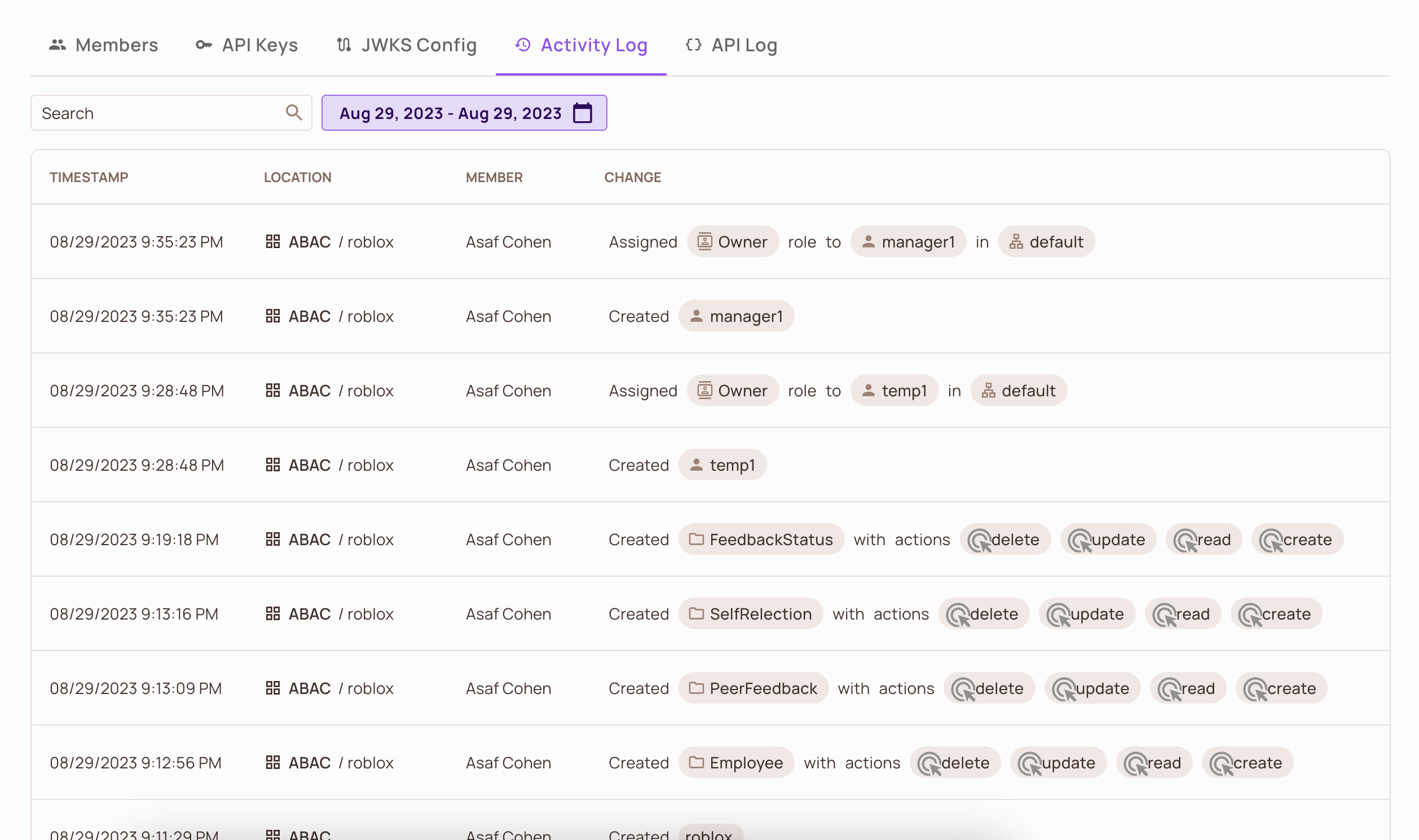
Searching and filtering activity logs
To find a specific change, filter the activity log by the date of the change, by the member who made the change, or both.
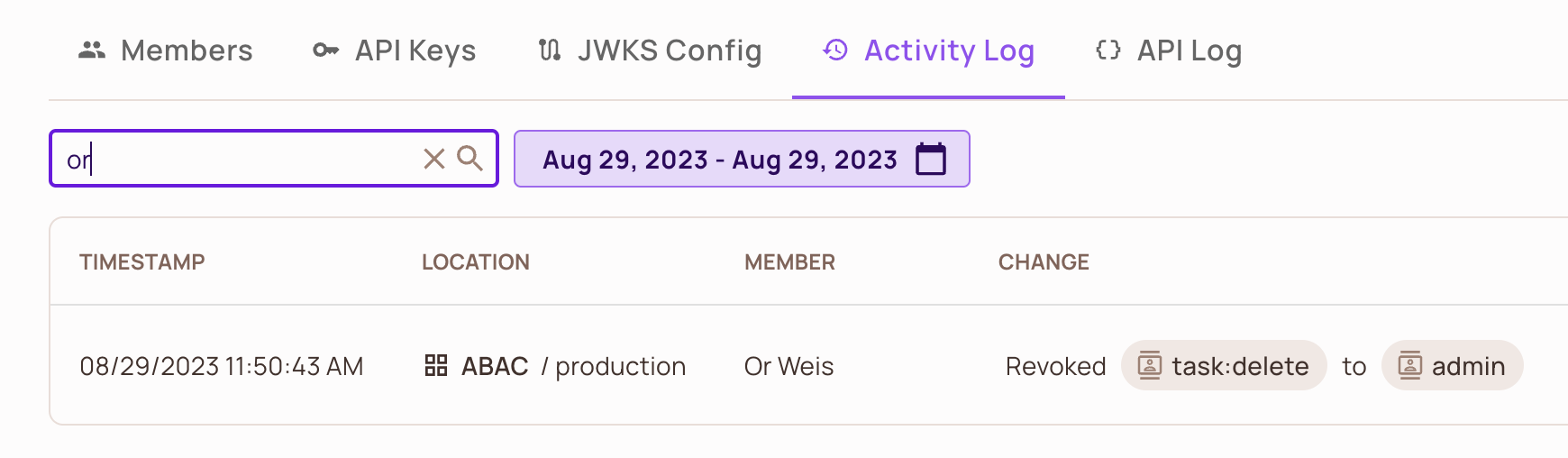
Read the activity log with the API
GET https://api.permit.io/v2/activity returns activity log events. Filter the results with query parameters such as actor_id, actor_type (member, user, or api_key), project_id, env_id, timestamp_from, and timestamp_until (seconds since the epoch). Each event has a unique id. See the Activity Log API reference.
API Logs
To view the API log:
- In the Permit dashboard sidebar, open Settings.
- Select the API Log tab.
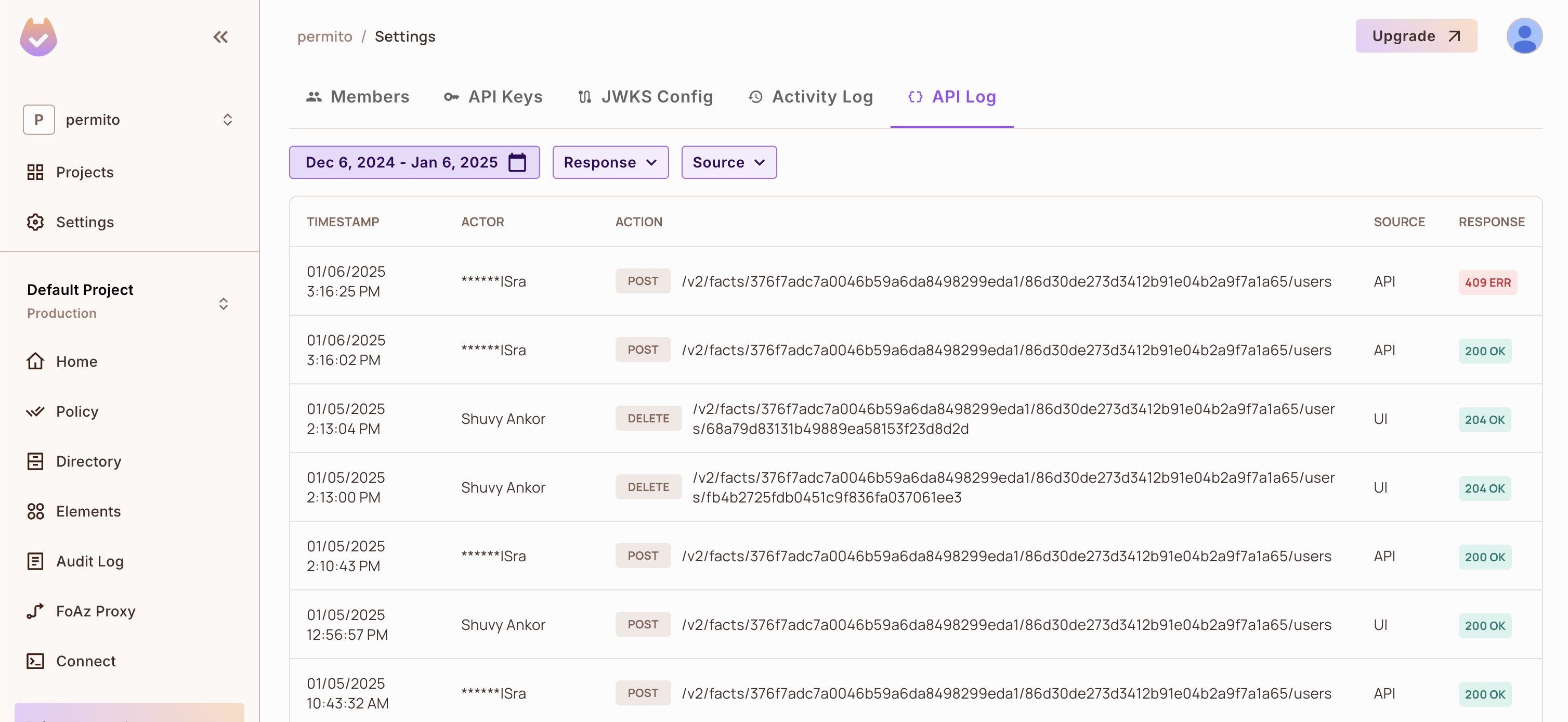
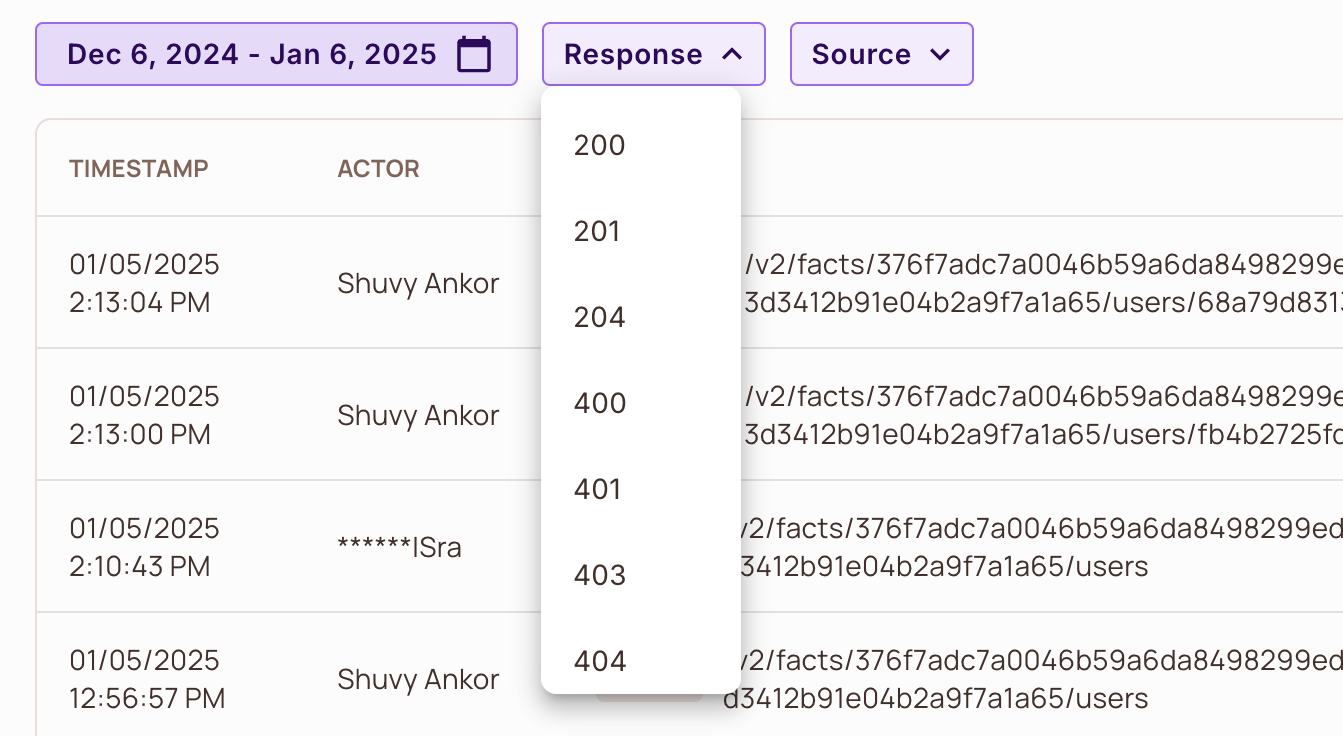
Filter the API log
Filter the API log by date range, by response status code (for example 200, 403, or 404), and by source:
| Source filter | Requests it shows |
|---|---|
| API logs | Requests sent directly to the Permit API endpoints, for example from your backend or the Permit SDKs |
| UI logs | Requests the Permit dashboard sent on your behalf |
| Element logs | Requests from Permit Elements embedded in your application |
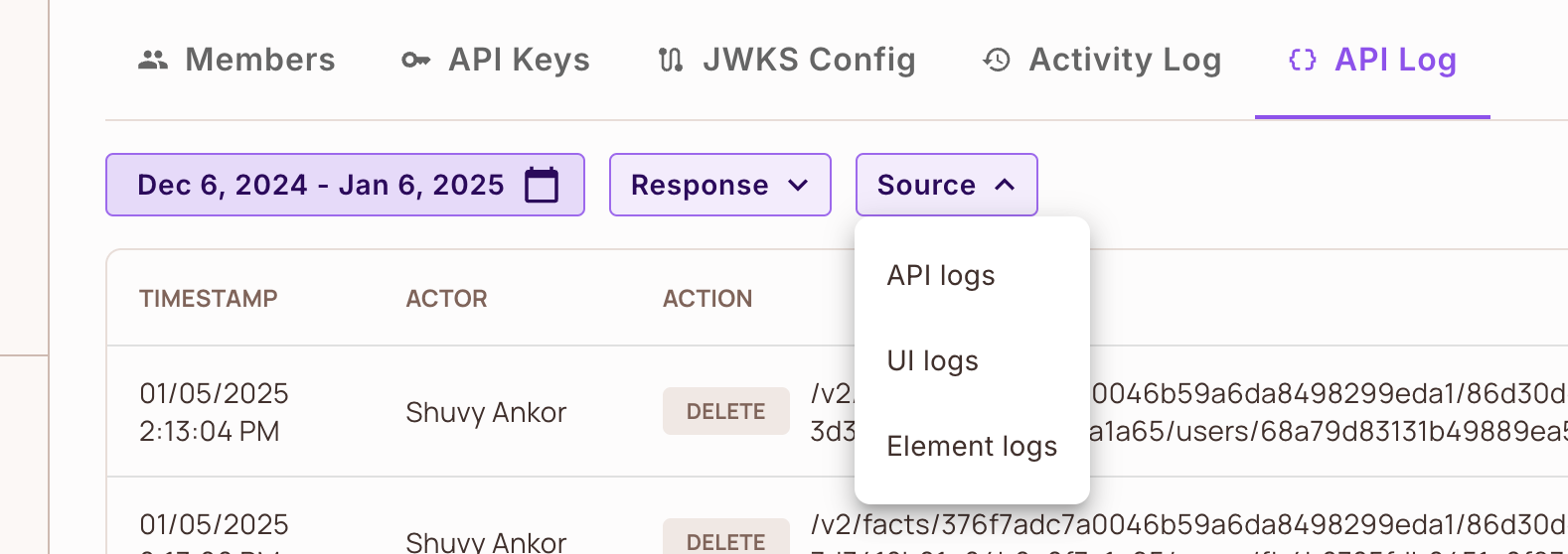
Inspect a request and response
Click an entry in the API log to see the full request and response of that API call.
Read the API log with the API
GET https://api.permit.io/v2/history returns API log events. Filter the results with query parameters such as method, path, success, status_code, actor_type, project_id, env_id, timestamp_from, and timestamp_until. To fetch the body of one request or response, call GET /v2/history/{event_id}/request or GET /v2/history/{event_id}/response. See the API History API reference.